
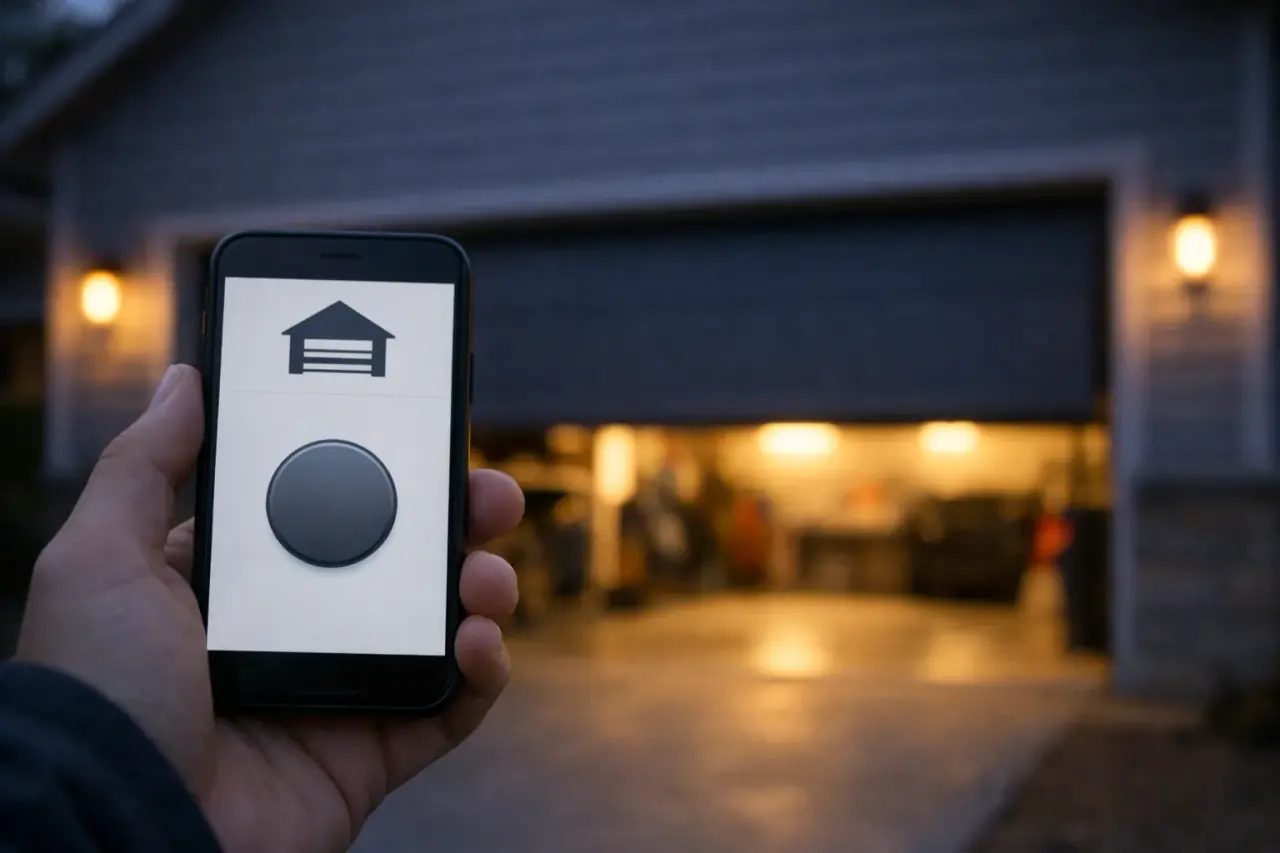
What makes a garage door opener "smart"?
A smart opener is an ordinary opener with a Wi-Fi radio, a door-position sensor and a cloud connection. The motor, drive and safety sensors work the same way they always have. The difference is that the opener now reports whether the door is open or closed, and accepts commands from a phone app, a voice assistant or a schedule.
There are two ways to get there:
- Built-in Wi-Fi. The radio lives inside the motor unit. Chamberlain and LiftMaster Wi-Fi models use the myQ app; Genie uses Aladdin Connect.
- Add-on controller. A small hub plugs in near the opener and talks to it, while a tilt or contact sensor on the door reports its position. Options come from the opener manufacturers and from independent smart-home brands.
How does a smart opener actually open the door from your phone?
- You tap "close" in the app.
- The command travels from the app to the manufacturer's cloud service and down to your home Wi-Fi.
- The opener (or add-on hub) receives it, sounds a beeper and flashes its light for a few seconds, then starts the door.
- The photo-eye sensors watch for obstructions as usual and reverse the door if the beam is broken.
- The door-position sensor reports "closed," and the app updates.
That beep-and-flash warning isn't a gimmick. UL 325, the safety standard for openers, requires an audible and visual warning before a door closes when no one may be watching it. It's also why smart controllers require working photo-eyes: closing a door you can't see is only acceptable when an external safety device can stop it.
What can a smart garage door opener do?
- Remote open and close from anywhere with a data connection
- Open/closed alerts when the door moves or is left open
- Scheduled or automatic closing, such as closing every night at 10 p.m. if left open
- Guest access for family members, house sitters or dog walkers, with their own logins
- Activity history showing when the door was used
- In-garage delivery with services that support it
- Voice and smart-home integrations, which vary by brand and change over time
- Built-in cameras on some models, for checking the garage before closing
Built-in smart opener or add-on controller?
| Factor | Built-in Wi-Fi opener | Add-on controller |
|---|---|---|
| Makes sense when | You're replacing the opener anyway | Your current opener is healthy |
| Typical U.S. cost | $250–$600 for the unit, plus installation | Roughly $30–$200 |
| Door-position sensing | Built into the opener's travel system | Separate sensor on the door |
| Battery-powered parts | Backup battery if equipped | Door sensor battery to replace |
| Other upgrades included | Quieter drives, battery backup, newer security | None; you keep the old opener |
An opener past its mid-teens, one with DIP-switch remotes, or one without photo-eyes isn't worth upgrading. Put the money toward a new unit with Wi-Fi built in, and you'll gain quieter running and current security along with the app; installed, that lands inside the opener range on our pricing page.
Is a smart garage door opener secure?
The radio link between remotes and the opener uses rolling codes, the same as non-smart models from the last few decades. The new risk is your account. Treat the app login like your banking password:
- Use a unique, strong password and turn on two-factor authentication if offered.
- Keep the opener's firmware and the app updated.
- Secure your home Wi-Fi with WPA2 or WPA3 and a strong password.
- Give guests their own access instead of sharing your login, and remove it when they no longer need it.
- Review the activity history now and then for anything unexpected.
A smart opener also helps with a very ordinary security lapse: a door left open overnight. Open-door alerts and automatic closing address exactly that. For locks, lighting and other measures beyond the opener, see these physical security upgrades for the garage.
What are the limitations?
- 2.4 GHz Wi-Fi. Most openers and controllers can't connect to 5 GHz-only networks.
- Weak signal. Steel doors, block walls and detached garages often need a mesh node or extender.
- Cloud dependence. If the manufacturer's service or your internet is down, the app won't work. Remotes and wall buttons still do.
- Integrations shift. Brands have added and dropped partnerships with voice assistants and smart-home platforms over the years. Confirm current support before buying for a specific ecosystem.
- Subscriptions. Free basics, paid extras on some brands.
- It won't fix the door. A smart opener on a door with tired springs still strains, reverses and wears out early.
How do you set up a smart opener or controller?
- Confirm the door is balanced and the photo-eyes work: start closing the door, pass a broom through the beam and make sure the door reverses.
- Check your phone shows a 2.4 GHz network in the garage with a usable signal.
- Install the manufacturer's app and create an account with two-factor authentication.
- Follow the app's prompts to put the opener (or hub) into Wi-Fi setup mode and join your network.
- For add-on controllers, mount the door sensor on the top panel as directed and pair it.
- Test open and close from the app while standing in the garage, then from outside.
- Set alerts and an automatic close time, and add family members as separate users.
If remotes or keypads need setting up at the same time, pair them with the opener before you leave the ladder.
Should you combine smart features with battery backup?
Yes, if you can. Many smart openers use DC motors that accept a backup battery, so the door still works during an outage even when the app doesn't. In California, openers sold or installed in a home must have battery backup by law. What the California rule covers is explained separately, and if you're still choosing a model, see how the three big opener brands differ.
When is professional installation worth it?
Add-on controllers are usually an easy DIY job. Get a technician involved when the opener itself is being replaced, when the door fails the balance or reversal test, when no controller supports your opener, or when you want a wall-mount smart unit. We install and program smart openers, and can fit one at the same time as a new garage door. Tell us what you have for a free estimate.
Key takeaways
- A smart opener is a normal opener plus Wi-Fi, a position sensor and an app.
- Add-on controllers suit healthy openers; replace old ones instead.
- Photo-eyes and a warning beep are required for closing a door out of sight.
- Secure the account with a strong password and two-factor authentication.
- Remotes and wall buttons keep working when the internet doesn't.