
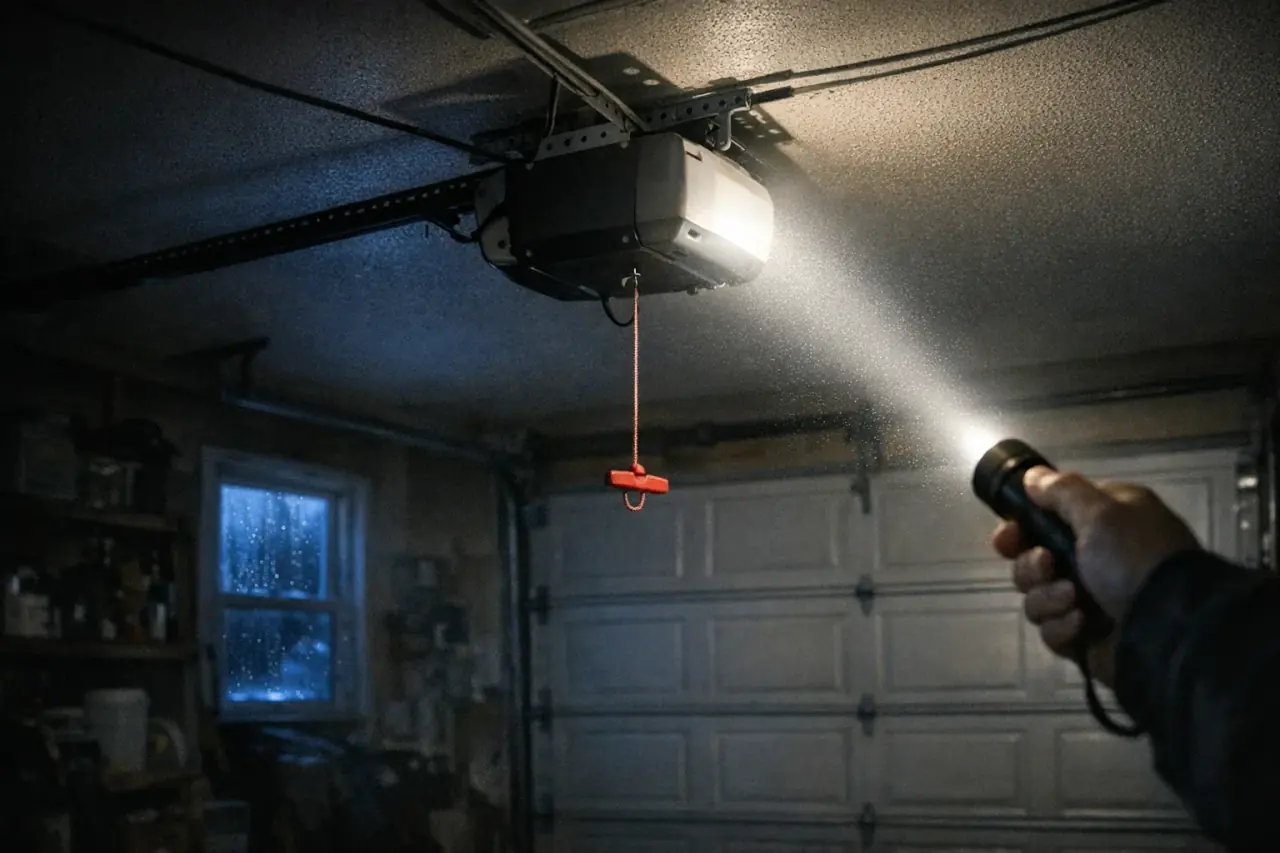
Why would an opener quit after the power comes back?
An outage rarely breaks a garage door opener by itself. Much more often, the opener is fine and something around it changed while the lights were out. A circuit stayed off, someone pulled the red release handle to get a car out, or a button got pressed in the dark that shut the remotes out.
The less common and more costly cause is the return of power. FEMA's outage guidance warns that power may come back with momentary surges or spikes that can damage electronics. Surges are a common cause of dead opener logic boards.
Your job is to work out which of these happened, free checks first:
- The power path: a breaker or GFCI outlet that tripped and stayed off
- Something done during the outage: the emergency release, the wall control's lock, the door's own slide bolt
- Settings and pairing: travel limits, remotes, keypads, car buttons and the app connection
- Surge damage: a board, transformer, wall control or sensor that didn't survive
Is the door safe to run right now?
Look at the door before you press anything. Outages often arrive with storms, and wind or debris can knock a door out of line. A worn spring can also give out while the power happens to be off.
Leave the opener off if the door sits crooked, a cable hangs slack, a section looks creased, or you heard a loud bang. The same goes for a door that someone raised by hand during the outage that wouldn't stay up. The opener can't fix any of those.
Safety: Torsion springs store enough energy to cause serious injury, and the lift cables carry that same load. Don't loosen, wind or adjust them, and don't pry at the bottom brackets where the cables anchor. An opener running a door that's out of balance will strain, stall and wear out, and the door can drop. If anything looks wrong, stop and have a technician inspect it.
What should you check first, and in what order?
Work down this list. The first six steps cost nothing and catch the usual suspects.
- Look for signs of life. Is the opener's work light on, or is there a glowing LED on the wall control? If neither, plug a lamp into the ceiling outlet the opener uses.
- Check the breaker panel. A tripped breaker often sits partway between on and off. Push it fully off, then back on.
- Find the GFCI. Garage outlets are often protected by a GFCI, and the one controlling the ceiling outlet may be on another garage wall, an outside wall or down in the basement. Press its reset button firmly. If it trips again right away, leave it off and call an electrician.
- Turn off the wall control's lock. If the wall button works but remotes and the keypad don't, the lock or vacation feature is probably on. It's easy to hit while feeling for the light button in the dark.
- Undo the door's manual lock. If you slid the bolt or turned the inside handle to secure the house during the outage, the opener will fight it. Unlock it before running the motor.
- Reconnect the trolley. If the motor runs and the chain or belt moves but the door stays put, the emergency release is still disengaged. The steps are below.
- Read the lights and sounds. Blinking and chirping each mean something specific, covered in the next sections.
- Test remotes, the keypad, car buttons and the app last. Do this only once the wall button runs the door reliably.
LiftMaster calls the feature lock mode, while many Genie wall consoles have a Sure-Lock switch. The LiftMaster guide and Genie guide show where each control sits.
How do you reconnect the opener after pulling the emergency release?
The red handle splits the trolley in two: one half stays attached to the chain, belt or screw, and the other stays with the door arm. When power returns, the two halves have to meet again before the motor can move the door.
- Bring the door all the way down by hand, keeping your fingers away from the joints between sections.
- Check the handle. On some models the release has to be returned to its normal position before the trolley can latch again, and your manual shows how.
- Press the wall button. On most chain and belt models, the drive carries its half of the trolley along the rail until it latches onto the door's half, often with an audible click.
- Let the opener finish that cycle, then run the door up and down once more and watch that it travels evenly.
If the door won't come down by hand, creeps up by itself or feels very heavy, don't reconnect it. Those are balance problems, and the opener will only add strain. The balance check in the monthly safety test shows what a healthy door feels like.
What does blinking or beeping mean after an outage?
- Wall control LED blinking, remotes ignored. On many models this means the lock feature is on.
- Work light flashing repeatedly when you try to close. On Chamberlain and LiftMaster units, this usually means the safety sensors aren't seeing each other.
- A small light on the motor unit blinking in a pattern. On many newer models that's a diagnostic code: tally the blinks, then look them up in the chart for your exact model. Genie's powerhead codes are laid out in the Genie guide.
- Chirping every so often, sometimes with an amber or orange light. The opener ran on its backup battery during the outage, and the battery is now low and recharging. Give it about a day with power on. Chirping that keeps going after that usually means the battery is worn out, which the battery backup guide covers.
- Beeps and flashing as the door closes from the app. That's a normal warning before an unattended close, not a fault.
When a lamp works in that outlet but the opener shows nothing at all, no light, no LED and no sound, move on to surge damage.
How can you tell if a power surge damaged the opener?
A spike doesn't always stop at the motor unit. The wall control, the sensors and the thin wires that link them can be hit as well. These patterns point to damage rather than a setting:
- The outlet powers a lamp, but the opener has no light, no LED and makes no sound.
- The work light comes on, yet nothing responds to any control.
- The wall button is dead while remotes still work, or the other way around.
- Every remote quit at once, and none will pair again.
- Both sensor lights stay dark even though the opener clearly has power.
- You smell something burnt or see scorch marks on the housing.
If you see any of these, unplug the opener and stop testing; repeated tries won't revive a damaged board. Keep in mind that a dead wall control or a shorted wire can mimic a failed board.
A technician can test the board, transformer, wall control and wiring, and tell you whether a replacement board is still made for your model. On an older unit, weigh that repair against when replacing the opener makes more sense.
Do travel limits or remotes need to be reset?
Travel limits and force
If the door now stops short of the floor, leaves daylight under the seal, or touches down and heads back up, the opener's travel limits or force setting may be off. Many older units use adjustment screws on the motor housing, while newer ones are set with buttons. Follow your model's manual step by step.
After any change, test the safety reverse. Put a 2x4 flat where the door meets the floor and close the door onto it; it has to reverse shortly after it makes contact. Never raise the force to push past a sticking spot. That defeats the safety reverse and masks a door fault that keeps growing.
Remotes, keypads and car buttons
Rolling-code openers normally keep their remote codes through an outage. If remotes quit, check lock mode and the remote batteries before anything else. Then try pairing one remote using the learn button. If it pairs, add the rest the same way with the remote and keypad programming steps.
Car buttons store their own code, but the opener still has to recognize it. If you ended up erasing the opener's memory, pair the car buttons again too. A learn light that never comes on, or a remote that won't pair at all, points to the receiver or board.
Smart openers and Wi-Fi
The router and modem must finish restarting before the opener can reconnect, so give the network time before checking the app. If your provider swapped equipment after the storm, or the network name or password changed, run the opener's Wi-Fi setup again. The smart opener guide explains what app control can and can't do.
How do you protect the opener before the next outage?
- Unplug it during a long outage. FEMA's preparedness guidance recommends disconnecting electronics so a surge on restoration can't damage them. Close and lock the door first, and plug back in once power has been steady. A battery-backup unit keeps drawing on its battery while unplugged, so don't leave it that way for days.
- Add surge protection. Read the electrical section of your opener manual first, since some makers warn against extension cords and plug adapters. An electrician can fit a surge-protecting receptacle for the opener or a whole-house surge protective device at the panel.
- Consider battery backup. It keeps the door running through an outage and makes the emergency release a last resort rather than the plan.
- Practice with the release in daylight, so you aren't learning it by flashlight.
- Plan a second way in. If the garage is your only entrance, ask about a keyed outside release.
Generator safety: FEMA's guidance says to run generators outdoors, at least 20 feet from windows, doors and attached garages, because carbon monoxide can kill. A garage with its big door rolled up still doesn't count as outdoors.
When should you call a professional?
Some post-outage problems aren't settings at all. Call a technician when:
- The door is crooked, heavy by hand, won't stay where you leave it, or you heard a bang
- A lift cable has frayed, gone slack or slipped off its drum
- The outlet is live but the opener is dead, or it smells burnt
- A diagnostic code returns after you've reset power
- Remotes won't pair even with fresh batteries
- The door is stuck open and the house can't be secured for the night
A good technician checks the door's balance before touching the opener, because an out-of-balance door wears out motors and drive parts quickly. We can send a technician for opener repair, spring repair or 24/7 emergency service. Estimates are free, with same-day service in most areas. Tell us what happened. For problems unrelated to an outage, see the full opener troubleshooting guide.
Key takeaways
- Most openers that fail after an outage have a tripped breaker or GFCI, lock mode turned on, a manual lock engaged or a disconnected trolley.
- Close the door by hand before reconnecting the trolley, and don't reconnect a door that won't balance.
- Chirping after an outage usually means the backup battery is recharging or worn out.
- A live outlet with a silent opener points to surge damage on the board.
- Unplug during long outages, add surge protection, and keep generators well away from the garage.